Enrollment is closed. Join my newsletter to stay in the loop.
Get ready for a professional repeat pattern workflow, confident Photoshop skills, and the ability to create portfolio-ready collections. No shortcuts, just real process.

Big on Process
If you’ve been exploring surface pattern design online, you’ve probably seen a lot of big promises. Passive income. Licensing deals. Creative careers that happen overnight. That’s not what this course is about.
From Paint to Pattern focuses on the real foundation: learning Photoshop, understanding repeat design, and building a creative process you can return to again and again. We don’t sell the dream here. We teach the process.
You already know how to make art. The next step is how that art becomes pattern.
Turn Any Art Style Into Repeat Patterns
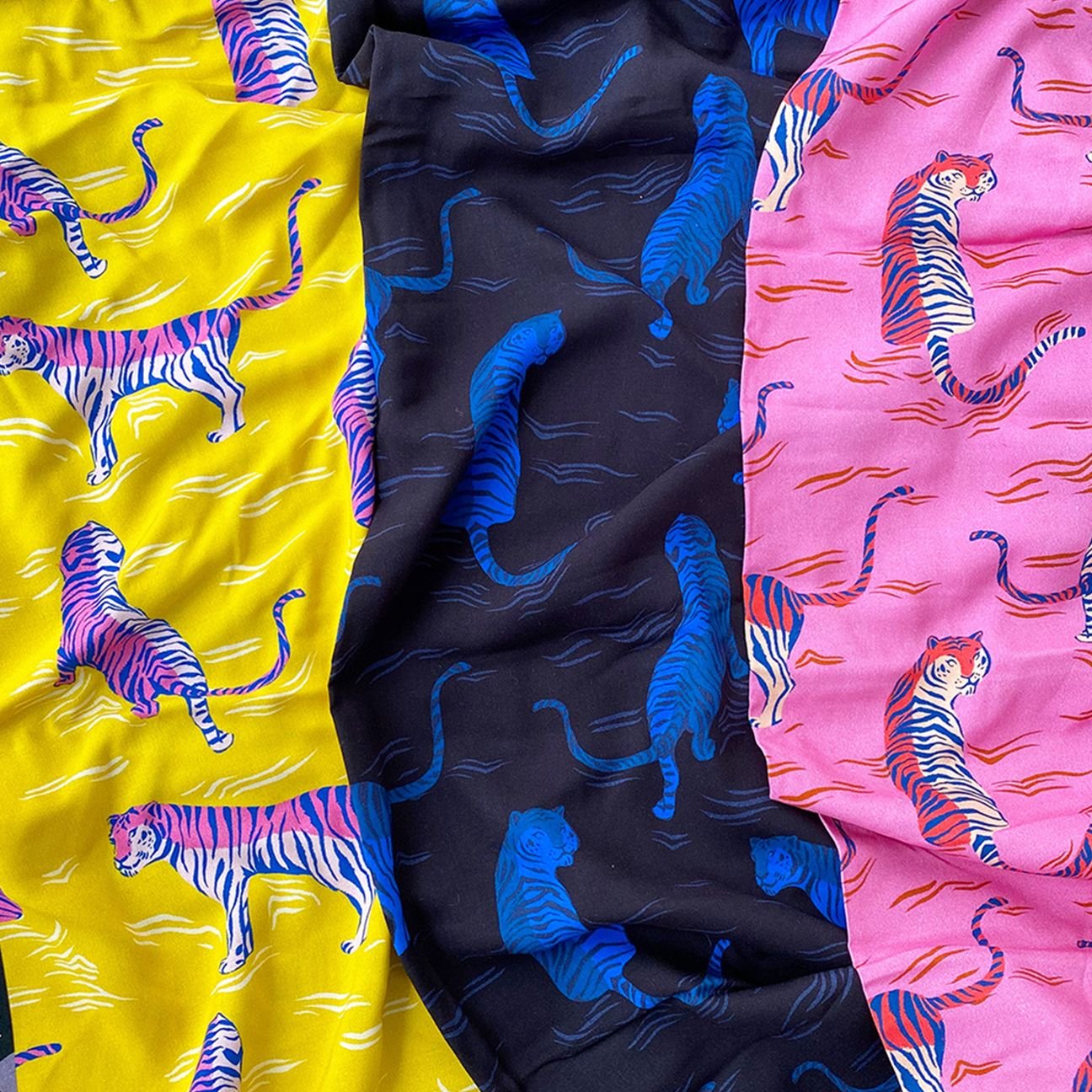
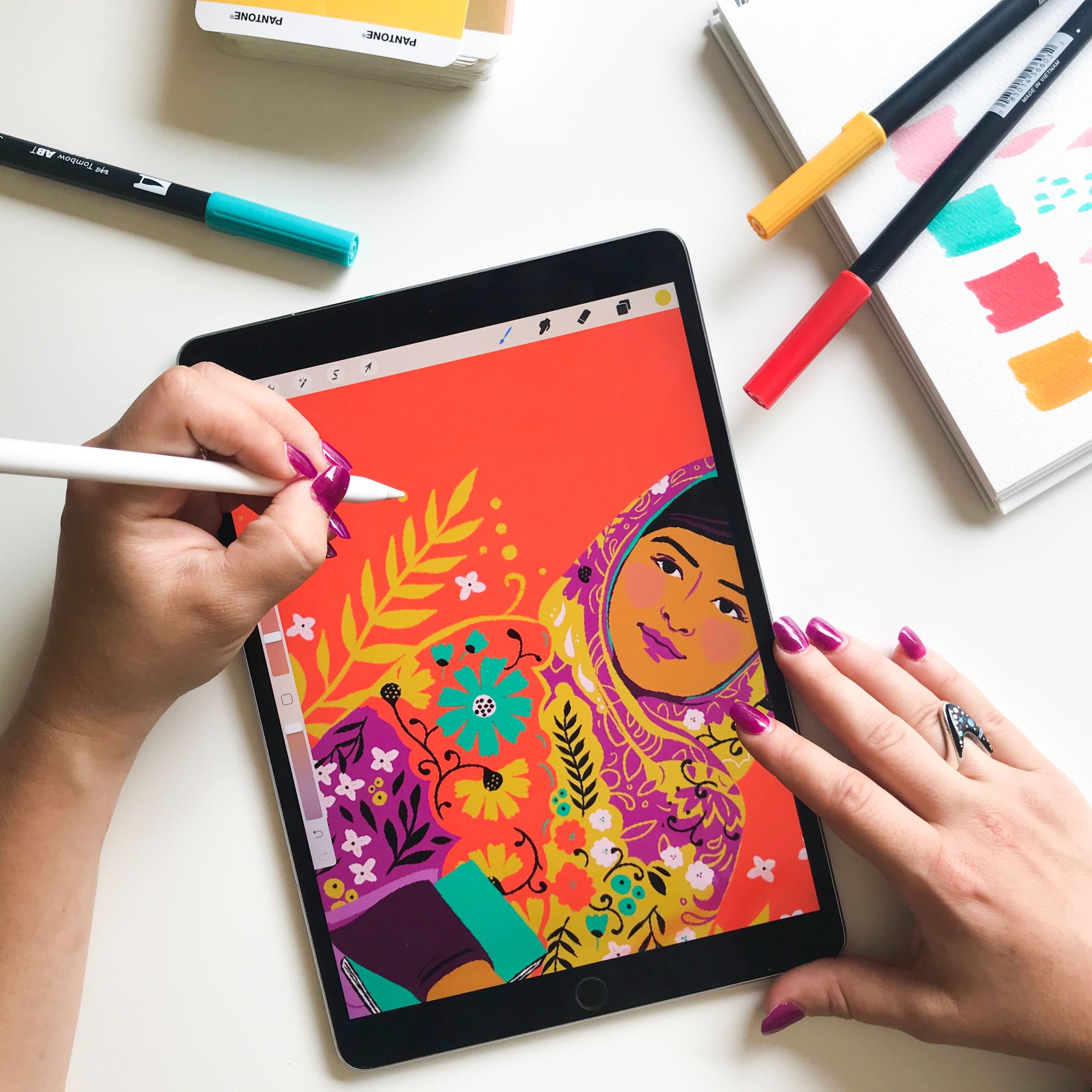
iPad Art
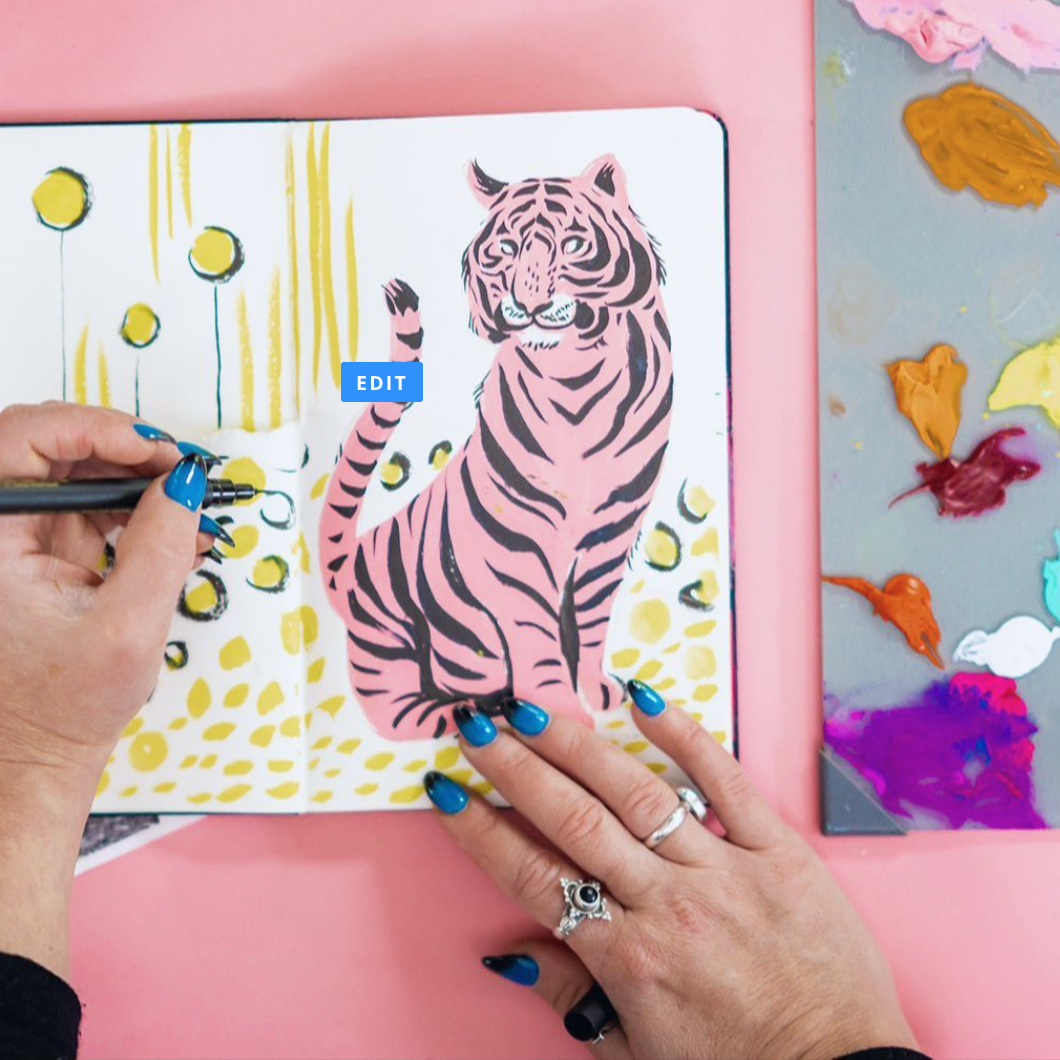
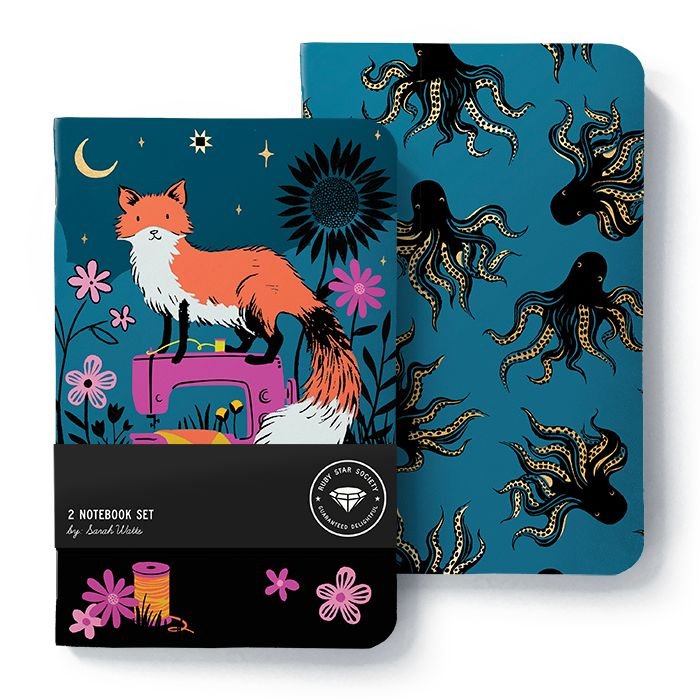
Drawings
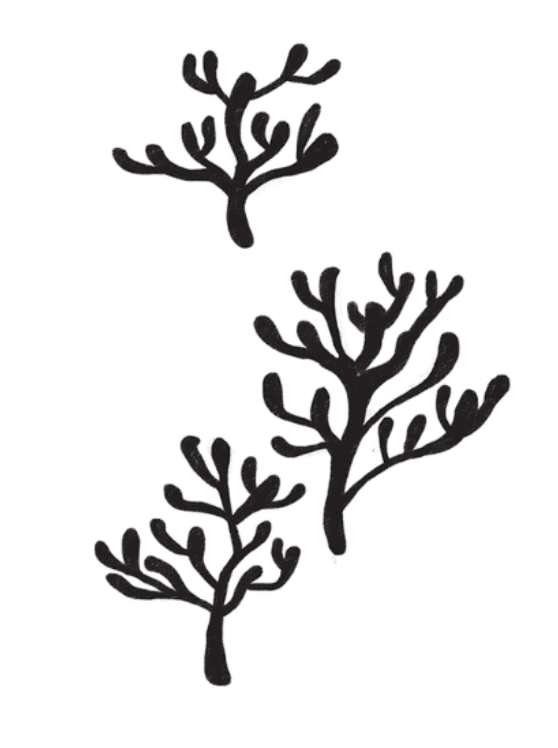
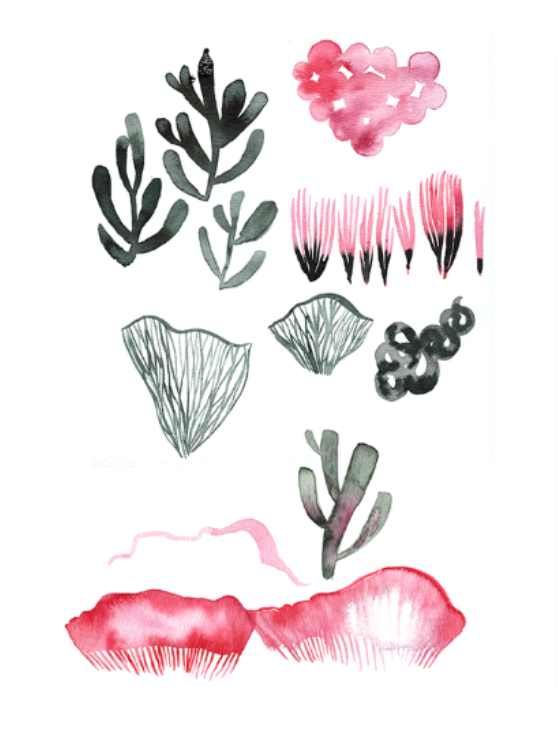
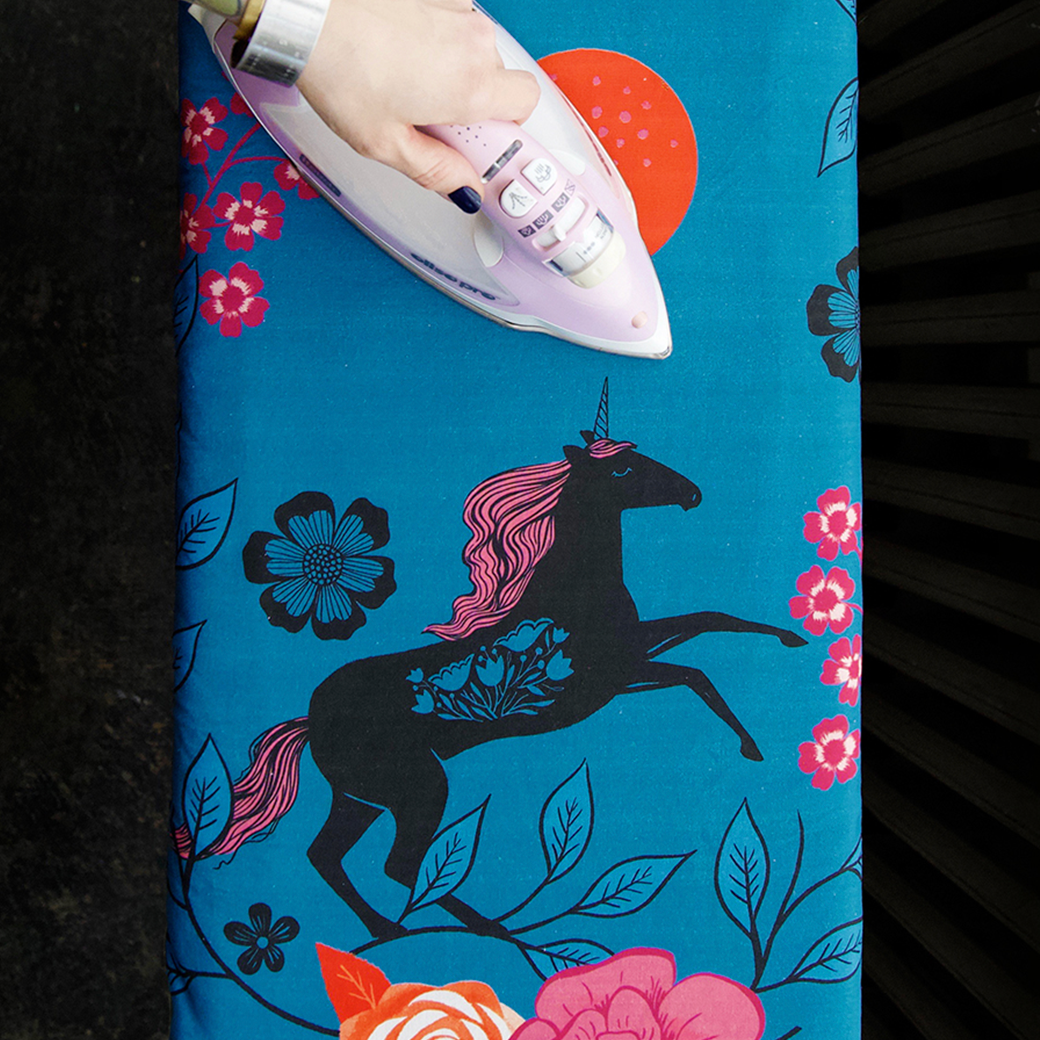
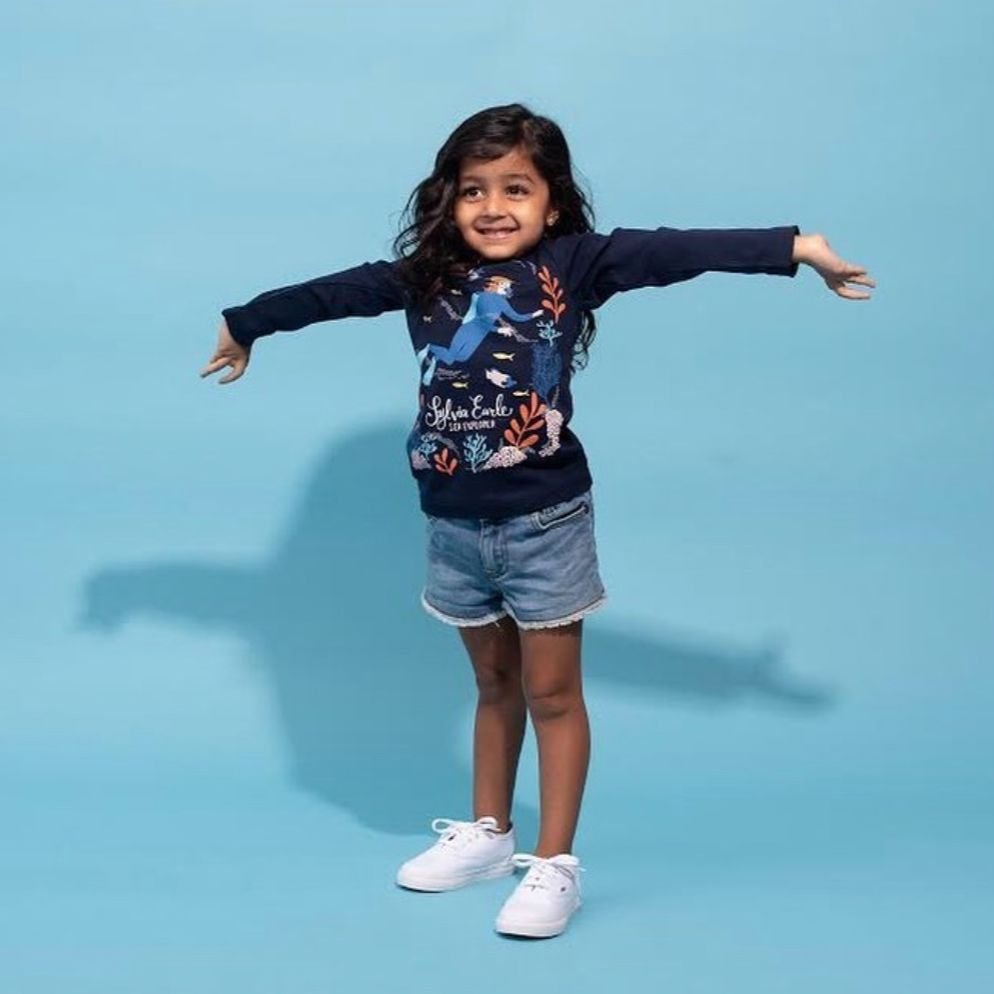
Photoshop Drawn Art
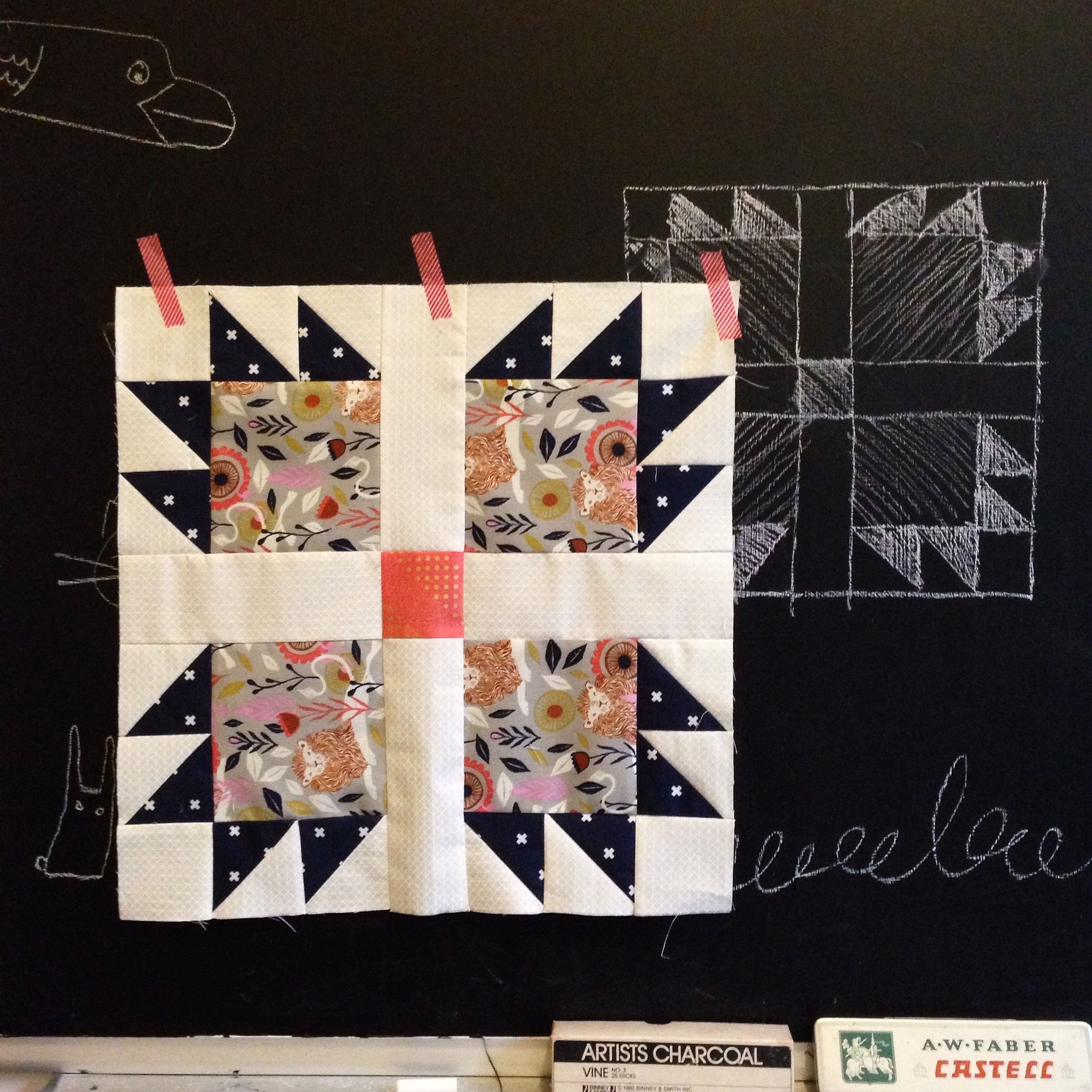
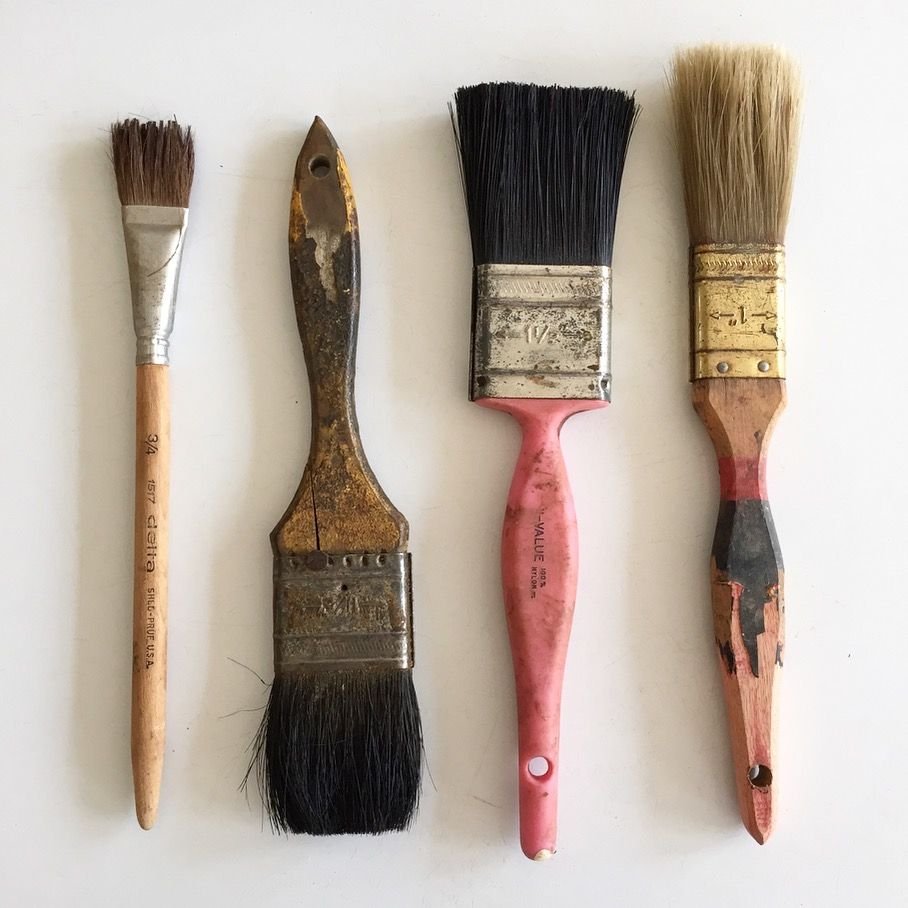
Paintings
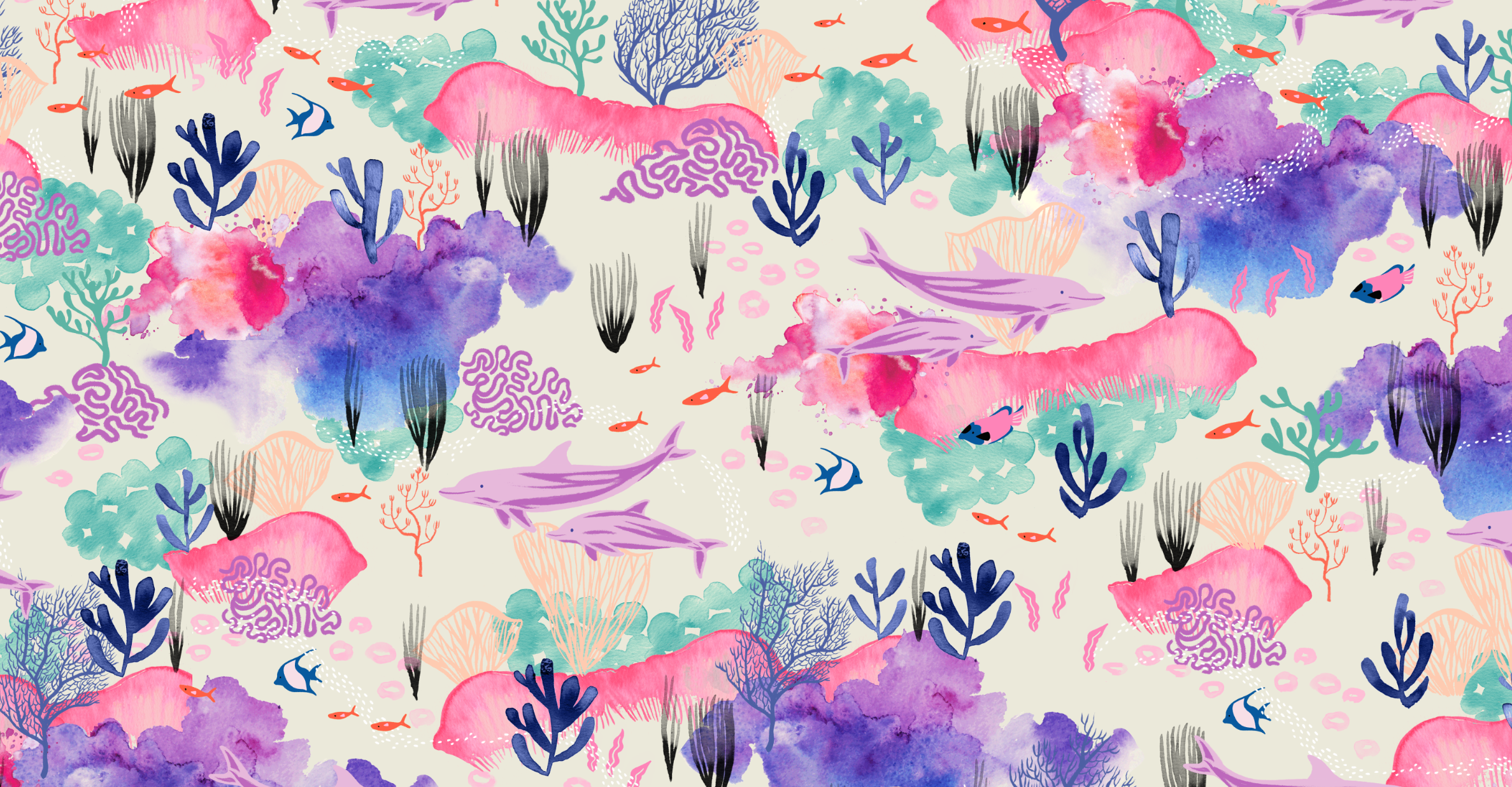
From Paint to Pattern is a 10 week course featuring professional training in Adobe Photoshop. With over 20 years of experience in Photoshop, Sarah walks you through her design process step-by-step. You’ll leave this course knowing exactly how to digitize your artwork, build seamless repeats, and create collections that are ready for fabric, wallpaper, and beyond.
Create Repeat Pattern Collections Using Adobe Photoshop

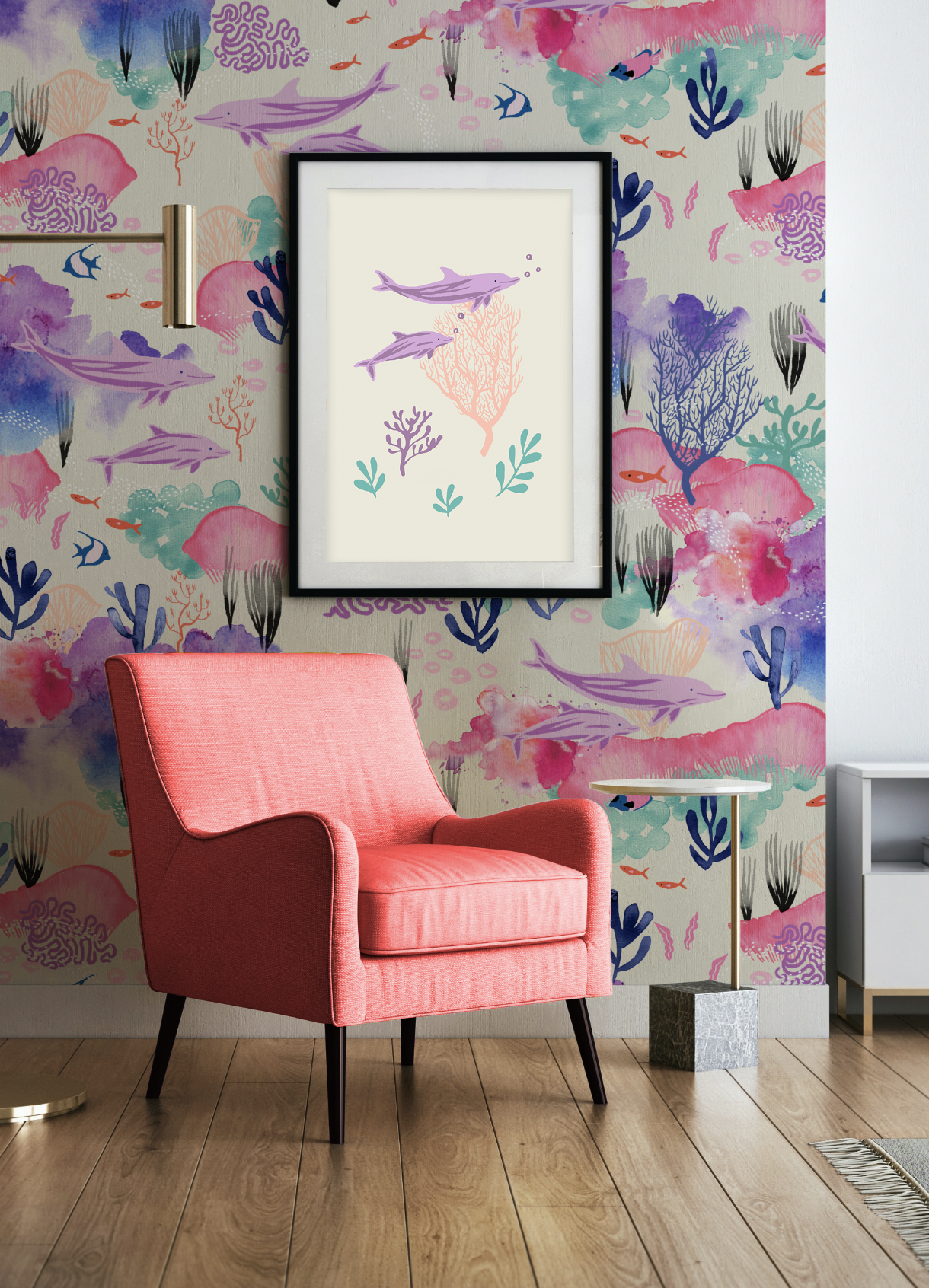
From Paint to Pattern contains:
7 Course Chapters Broken Down into Bite-Sized, Buildable Lessons. See the Curriculum here
7 Actionable Assignments
7 Live Q+A’s with me, Sarah Watts!
3 Practice Weeks
My Photoshop Survival Guide
Bonus Content Galore
Private Community! Ours is Open Year Round :)
Alumni Mentors: Get Support from Those Who’ve Taken the Class!
Lifetime Access your edition of the course- Revisit Your Content Whenever!

These Are the Exact Skills Behind My Professional Workflow
Surface pattern design isn’t a mystery.
It’s a process made up of small, learnable steps. And this curriculum goes deep. Expand each section to see what you’ll master.

-
Build speed, precision, and confidence in the tools you use every day.
• Using and customizing brushes that mimic traditional media
• Drawing directly in Photoshop with smooth, controlled strokes using tablet or mouse
• Mastering the clone stamp for seamless textures to put into any repeat
• Essential keyboard shortcuts and hotkeys for Mac and PC
• Organizing libraries, files, and fonts for a streamlined creative process

-
Refine, repair, and protect your original artwork with precision.
• Advanced selection techniques for isolating and enhancing artwork
• Clean background removal while preserving subtle transparency
• Cloning, erasing, and seamless touch-ups
• Masking and smart objects for non destructive editing
• Creating variations without ever damaging your original file
• Resizing and formatting artwork for multiple product types

-
Take full control of how your artwork looks, adapts, and evolves.
• Professional recoloring workflows
• Hue, saturation, vibrance, brightness, and contrast adjustments
• Selecting and modifying specific color ranges
• Understanding adjustment layers and problem solving visually
• Using blending modes to build depth and layered effects

-
Build seamless repeats and collections and prepare artwork for real-world production.
• Constructing, scaling, and refining seamless repeat patterns
• Problem solving tiling issues while preserving your artwork
• Scaling artwork for wallpaper, canvas, and large formats without pixelation
• Using smart objects to streamline repeat creation
• Developing professional workflows for cohesive collections
Course Curriculum
By the end of the course, you won’t just have finished a few patterns. You’ll understand the workflow behind them.
-
Sarah’s 3 philosophies for being an artist
Getting Started: 3x3: Learn the approach
Things That Will Slow You Down
Set Up Your Inventory: the Art Database
Creating Files & Saving Files:
Setting Up Your Art Space & Fighting Overwhelm
Learning Layers
Essential Shortcuts
Making Edits, Selections & Masks
Color Essentials
Choosing Initial Palettes
-
3x3 Foundations
Sarah’s Art Process
Drawing Directly in Photoshop
Brushes
Sketching Practices
Refining the Drawing
Using Scanned Art
Creating Finished Looks from Black and White Art
Creating Finished Looks from Collage
Creating Finished Looks from Paint
Creating a Spot Illustration No Matter What Medium
-
This is a whole week set aside to play around with what we've learned. Let's practice, experiment, and really nail down those Photoshop skills! My team and I will be here to answer all your Photoshop questions.
-
Using Non Destructive Edits for Art
Smart Objects
Actions
History Panel
Libraries
More on Brushes with Kyle Webster
Other Tools I Use
Style Exploration: Getting Certain Looks
-
The World of Patterns
Start a Pattern
Making Pattern Fills
3x3 for Collections
Pattern Preview
-
This is a whole week set aside to play around with what we've learned. Let's practice, experiment, and really nail down those repeat skills! My team and I will be here to answer all your questions.
-
Master file
Master plan
Create pattern patch
Basic Repeats
Advanced Repeats
Using Layered Textures in Repeat
-
How Many, Sarah?
How Big, Sarah?
But How, Sarah?
Pulling Together a Collection of ArtDemo: My favorite Workflow for Recoloring
Using Prints and Motifs Across Multiple Collections
The Power of Illustrations in Your Collection
Thoughts on Trends
Working With Seasons
Ideal Pieces to Have in Your Portfolio
Portfolio and Style: The Great Debate
-
Share your work in a safe community of your peers or submit your work for the Live Q+A’s! We love to help you troubleshoot and problem solve!
-
3x3 for Prints
3x3 for Collection
3x3 for Colorways
3x3 for Critique
Licensing: A Mysterious Unicorn
Selling: A Trusty Pegasus
Portfolio Basics
My Favorite Portfolios
Exploring Sample MockupsUsing Mockup Files
Mockup Do’s and Don’ts
Creating and Filling Your Portfolio
US Copyright Site


-
• Sketchbook or drawing paper
• Drawing utensils or you can draw directly into Photoshop.
• Desktop or laptop computer (Mac or PC, I teach both!) with Adobe Photoshop CC. Older versions and the mobile version of Photoshop are not sufficient for this class.
• I recommend using a drawing tablet to make it easier to draw/edit your art when you are working in Photoshop. I use a Wacom Intuos Pro Tablet. Some people use an iPad and Apple Pencil with the program Astropad installed.
• Camera/Smartphone for inspiration photos and/or for taking your illustrations into the computer.
• Scanner (optional) you can use a smartphone if you don't have a scanner.
-
Adobe Illustrator and Photoshop are both made by the same company and their interfaces are similar in certain ways.
The *biggest* difference between the two programs is how they handle image information. Illustrator is vector-based, with endless scalability. Photoshop is pixel-based, which makes scaling down easy, but I always recommend scaling in and working at a higher resolution than you think you might need because you cannot easily scale up.
What Photoshop brings to the table instead is depth. And what I mean by depth is Photoshop can preserve art’s textures more readily and accurately than Illustrator can. If you’re working with watercolor, paint, charcoal, photography, stamping, ink, or really ANYTHING, Photoshop can preserve those paint strokes, and create projects with translucent color and texture.
-
Yes! In From Paint to Pattern we learn Photoshop from the ground up. We'll start the course going over everything from the very beginning, from navigating around Photoshop to setting up our workspaces for success.
Even students that already know some Photoshop will learn a new thing or two. And after we have a solid foundation we'll go step by step through curating and creating a surface design portfolio, gift illustration and more!
-
Everyone is coming from a different place in their creative journey. With this in mind, I tackle creating art in Photoshop like it's a collage program. I have had students create beautiful works of art with just a few paint strokes or doodles, but also with stamp-prints, photography, cut paper, and more.
Illustration, water color, inking, are all amazing skills to have, but they aren’t required to make beautiful work. With my 10-week program you might find yourself growing in not just your Photoshop knowledge, but in different art making mediums too as you practice.
-
Yes! We have a private online community that you will have access to and a course discussion feature within the classroom. My team and I, or one of my international course experts will be here answering questions that come in from both areas.
You can submit questions in whichever format best suits your needs. Live Q+A's are recorded, so I can still answer your pre-submitted questions there as well.
-
I’m a licensed artist! And as such, I want to bust some myths really quickly about how “easy it is” to “build passive income” from art licensing. This career is a lot of work. My advice to those that want to pursue art as a career is to build your portfolio and your skillset.
This course is primarily focused on creating a really well-rounded surface pattern design collection in Adobe Photoshop. My focus is to get you proficient in Photoshop and be able to create collections using my process over and over once the course is done. -
From Paint to Pattern has a 14-Day 100% money back guarantee.
This is how it works:
I want you to be super excited about this journey in my course. If you are unhappy with the course during the first 2 weeks I will give you your money back. After April 21, 2026, the refund option is no longer available.
Frequently Asked Questions

See what you can learn!